Connect business systems
Register a connector, bind credentials to the correct scope, verify health and permissions, and grant only the tools your agent needs.
Connector readiness is more than a green badge
A connector links the agent runtime to a business service. It needs the right tenant/company binding, credentials, provider permissions, tool implementation and operational health. A registered connector or successful health check does not prove that every advertised business action works.
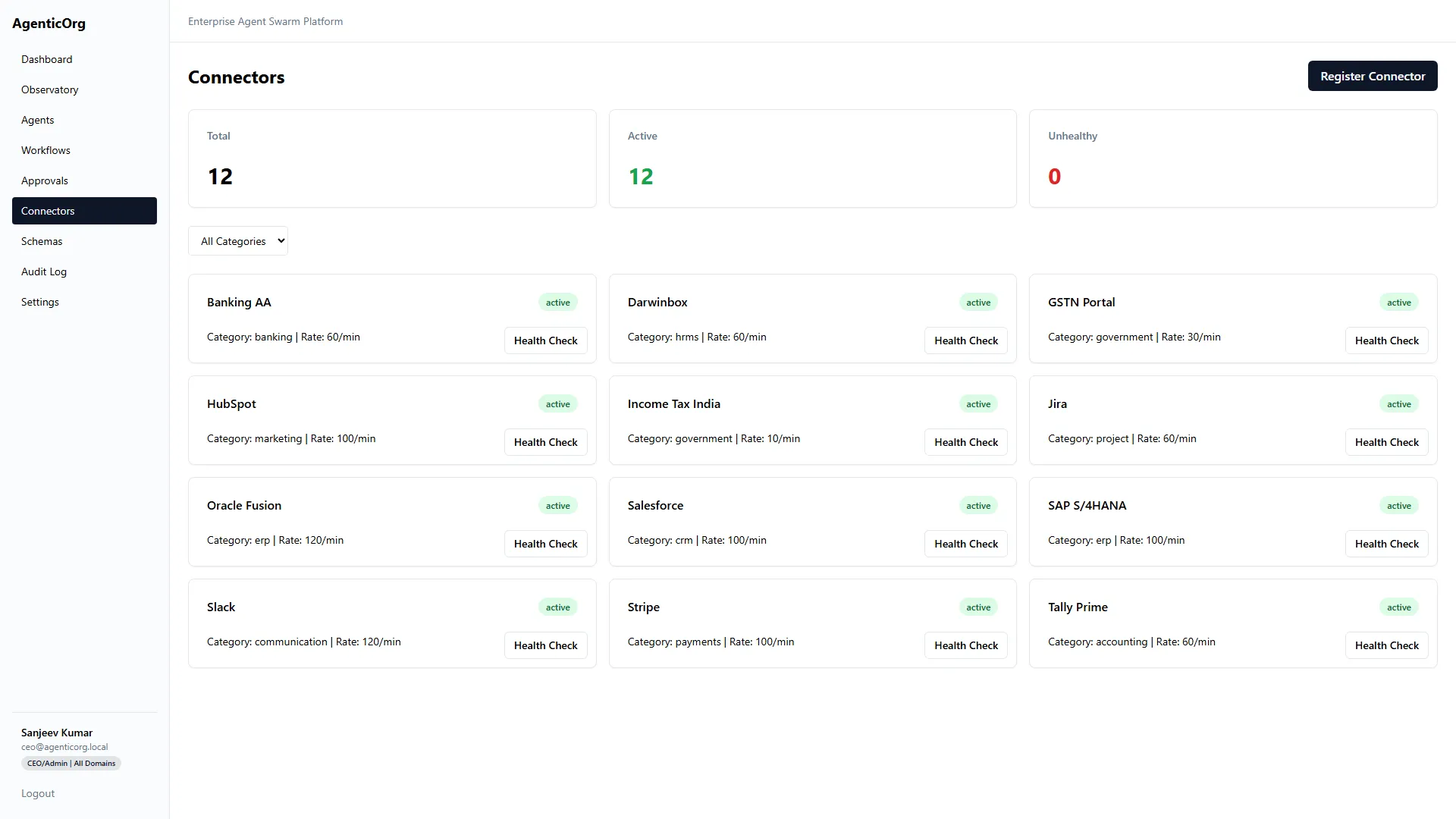
This existing product screenshot illustrates the integration catalog, not live readiness in your tenant.
Prepare the connection
Name the integration owner and system-of-record owner. Obtain an approved sandbox or read-only account. List the exact data and actions needed. For BFSI, a core banking, LOS, claims or screening service requires the institution's approved API contract and access process; selecting a generic connector does not create that integration.
Register and bind
- Open Connectors and the Register Connector screen.
- Select the available provider or Custom / Generic Connector.
- Enter the connector name, reviewed base URL, category, authentication type and rate limit.
- Use the provider-specific protected credential fields or approved secret reference. Do not put secrets in prompts, screenshots or ordinary task inputs.
- Review extra JSON configuration against the provider's contract. Do not assume arbitrary configuration creates a tool implementation.
- Bind the connector to the correct company or documented tenant-wide scope.
- Run the supported health/test action and inspect the safe result.
The exact credential form differs by provider. Protected storage is not permission to grant unlimited upstream scopes. Prefer read-only scopes for the first pilot.
Grant the agent only what it needs
Open the agent configuration and select the appropriate connector and Authorized Tools. Verify that a permitted read call works for the selected company. Then verify that an ungranted tool and another company's resource are refused. Model access and connector access must be tested independently.
Validate the real contract
Health freshness and credential presence are readiness signals, not an error-budget or sustained-sync guarantee. Run representative volume tests before relying on a connection operationally.
Maintain and troubleshoot
Rotate credentials through the approved secret path. Re-test after provider API, schema, scopes or tenant-binding changes. Monitor latency, failures and rate limits. Disable dependent schedules when the source contract changes.
If company A works and company B does not, inspect binding before changing the code or copying IDs. If a custom URL is rejected by network policy, have security approve the legitimate endpoint; do not turn off SSRF or private-network protections.
Next: Workflows, Model setup, BFSI reconciliation.
View this page on AgenticOrg